
If you are reading this, you already know that getting website conversion rates is key to scaling your business in the digital space, and getting people to visit your website is only half the job.
The bigger question is: What do they do when they arrive?
If people are visiting your website but very few or none at all are contacting you, booking a service, requesting a quote, signing up, or making a purchase, your website conversion rates needs attention!
The good news is that you do not always need more traffic. Sometimes, you simply need to make better use of the traffic you already have.
Here are practical ways to improve your website conversion rates.
What Is a Website Conversion Rate?
A website conversion happens when a visitor completes an action that matters to your business.
Depending on your website, that could mean:
- Filling out a contact form
- Booking a consultation
- Making a purchase
- Signing up for an email list
- Requesting a quote
- Calling your business
- Downloading a resource
For example, if 100 people visit your website and 5 of them submit an enquiry form, your conversion rate for that action is 5%.
The goal is not necessarily to make every visitor convert.
It is to make it easier for the right visitors to take the next step.
How to Improve Website Conversion Rates Step by Step
1. Make Your Main Message Clear
Website conversion rates are the percentage of visitors who complete the desired action. It is
One of the easiest ways to lose a potential customer is to make them work out what your business does.
When someone lands on your homepage, they should quickly understand:
What do you offer?
Who is it for?
Why should they care?
Your headline should convey the main value of your offer without requiring visitors to decode it.
Instead of filling your hero section with vague phrases like “We create digital solutions for the future,” explain what you actually do.
For example:
“We build fast, professional websites for small businesses that want more enquiries.”
Clear beats clever.
2. Give Visitors One Clear Next Step
Your website can have several actions, but every important page should have a clear primary action.
If your homepage has buttons for:
- Learn More
- Contact Us
- View Services
- Download
- Join Our Community
- Read Our Blog
- Follow Us
You may be giving visitors too many choices. Decide what matters most.
If your goal is to generate leads, your main call to action could be:
Request a Quote
Book a Consultation
Get a Free Website Review
Make the next step obvious.
3. Improve Your Calls to Action
A call to action, or CTA, tells visitors what to do next.
Weak CTAs can make a good website less effective.
“Submit” does not tell a visitor much.
“Get My Free Quote” makes it clearer what happens when they click.
Your CTA should match the action and the visitor’s stage in the buying process.
For example:
Service page: Request a Quote
Consulting page: Book a Consultation
Product page: Buy Now
Lead magnet: Download the Guide
You do not need to make every button loud and aggressive.
Just make it clear.
4. Make Your Website Easy to Navigate
Visitors should not have to hunt for important information.
Your navigation should help people quickly find things such as:
- Services
- About
- Pricing
- Contact
- Products
- Important resources
Keep the structure simple.
If someone has to click through five pages just to find out how to contact you, there is probably a problem.
Good navigation reduces friction and helps visitors move naturally from discovering your business to taking action.
5. Build Trust Before Asking for the Sale
People are unlikely to give you money or personal information if they do not trust your business.
Your website should give visitors reasons to believe that you can deliver what you promise.
Depending on your business, this could include;
- Testimonials
- Testimonials
- Reviews
- Case your promises
- Client logos
- Portfolio examples
- Certifications
- Guarantees
- Clear business information
- Professional contact details
Do not add fake testimonials or meaningless claims just because you think every website needs them.
Use real evidence.
If you have helped a client solve a problem, show the result.
That is far more convincing.
6. Make Your Forms Easier to Complete
Long forms can discourage people from completing an enquiry.
Ask yourself whether you really need every field.
If someone wants a quote, you may need their name, email, phone number, and project details.
You probably do not need to ask for fifteen different pieces of information before they can contact you.
Start with the information you actually need.
You can always collect more information later.
Also, make sure your forms work properly on mobile devices.
A broken or frustrating form can turn a ready-to-buy visitor into a lost lead.
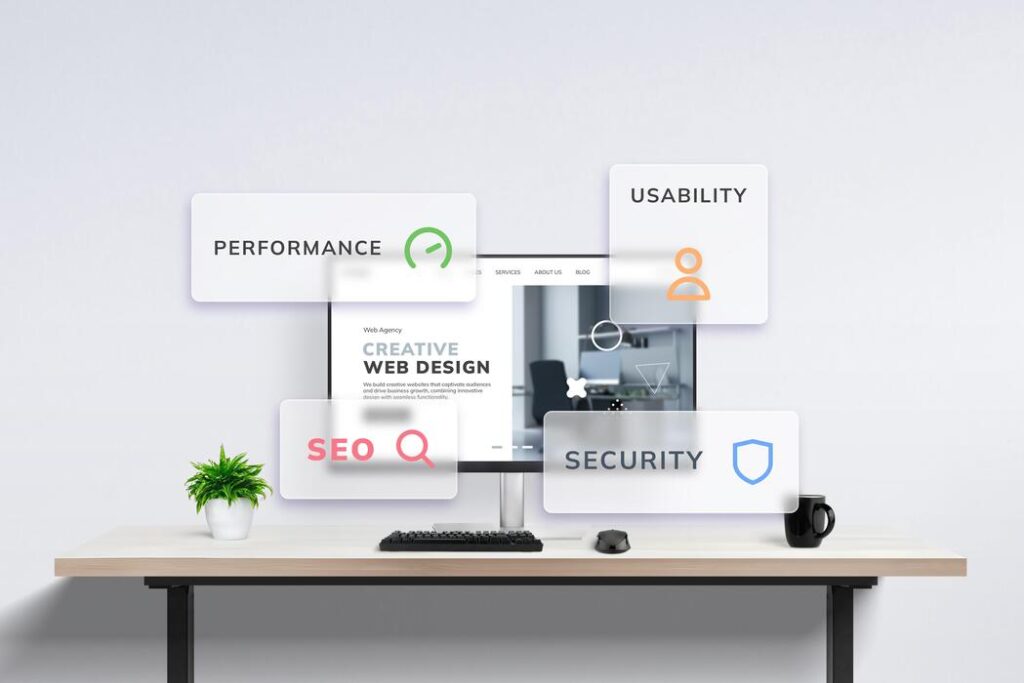
7. Improve Your Website Speed
A slow website creates friction before visitors even get a chance to see your offer.
Large images, unnecessary scripts, excessive plugins, poor hosting, and inefficient website code can all contribute to slow loading times.
Start by testing your website speed.
Then identify the biggest problems rather than trying to optimize everything at once.
Compress large images.
Remove unnecessary elements.
Review your plugins and third-party scripts.
Optimize your CSS and JavaScript where appropriate.
And make sure your hosting is suitable for your website.
A faster website creates a better experience and removes one more reason for visitors to leave.
8. Design for Mobile Users
Your website may look fantastic on a large monitor.
That does not mean it works well on a phone.
Check the mobile version of your website carefully.
Look at:
- Text size
- Button size
- Navigation
- Forms
- Images
- Spacing
- Page layout
- Checkout or booking processes
Can someone complete your main action comfortably with one hand?
Can they read everything without zooming?
Can they find your contact button?
Mobile visitors should not feel like they are using a broken version of your desktop website.
9. Show the Benefits, Not Just the Features
A common website mistake is focusing too heavily on what a product or service contains.
Features matter.
But visitors also want to know what those features mean for them.
For example:
Feature: Monthly website maintenance
Benefit: Keep your website secure, up to date, and running without having to manage it yourself.
The benefit answers the question that visitors are often really asking:
“Why should I care?”
Use your website to connect what you offer with the problem it solves.
10. Remove Unnecessary Distractions
Every element on a page competes for attention.
That does not mean your website needs to be boring.
It means every important page should have a purpose.
If a pop-up, animation, banner, sidebar, social feed, and five different buttons are all competing for attention, visitors may not know where to look.
Ask yourself:
Does this element help the visitor or help the business achieve its goal?
If the answer is no, consider removing it.
Sometimes, improving conversion is less about adding something and more about taking something away.
11. Use Strong Landing Pages
If you are running an advertising campaign or promoting a specific service, do not always send people to your homepage.
Create a focused landing page.
A good landing page can focus on:
- One audience
- One problem
- One offer
- One primary action
For example, if you advertise website redesign services, your landing page should explain the offer rather than forcing visitors to search through your entire website.
Less distraction can mean a clearer path to conversion.
12. Test What Actually Works
You do not have to guess what visitors want.
Use your website data.
Look at things such as:
- Which pages receive the most traffic
- Which pages generate enquiries
- Where visitors leave
- Which CTA gets the most clicks
- Which traffic sources produce leads
- How mobile visitors behave compared with desktop visitors
You can then make changes based on evidence.
For example, if a contact page receives plenty of visits but very few submissions, investigate the page.
Maybe the form is too long.
Maybe the CTA is unclear.
Maybe visitors do not have enough information to trust the business.
Find the friction and test a solution.
13. Make Your Website Content Easier to Scan
People rarely read every word on a website.
They scan.
Use:
- Short paragraphs
- Clear headings
- Bullet points
- Helpful images
- Strong CTAs
- Descriptive subheadings
- Plenty of whitespace
This makes important information easier to find.
Your visitors should be able to scan a page and understand the main message without reading every sentence.
You do not need to change everything at once.
Start with this simple bonus process:

Step 1: Identify Your Main Conversion
Decide what you want visitors to do.
Is it buying, booking, calling, signing up, or requesting a quote?
Step 2: Find Your Weakest Point
Use analytics and website data to identify where visitors are dropping off.
Step 3: Review the Page
Look at the page as if you were a first-time visitor.
Is the offer clear?
Is the CTA obvious?
Is there enough trust?
Is anything confusing?
Step 4: Remove Friction
Simplify forms, navigation, content, and unnecessary steps.
Step 5: Improve the Offer
Make the value of your product or service easier to understand.
Step 6: Test Your Changes
Do not assume that a new design automatically works better.
Measure what happens after the change.
Step 7: Keep Improving
Conversion optimization is not a one-time task.
As you learn more about your visitors, you can continue improving the experience.
Final Thoughts
A website does not succeed simply because it looks good.
It needs to help visitors understand your business, trust you, and take the next step.
If your website receives traffic but generates very few leads or sales, start by looking for friction.
Make your message clearer.
Improve your calls to action.
Simplify your forms.
Build trust.
Improve mobile usability.
Make the website faster.
And most importantly, measure what happens after you make changes.
You do not always need more visitors.
Sometimes, you need to give the visitors you already have a better reason and an easier way to take action.